The Hidden Costs of DIY Data Recovery (And How to Avoid Them)
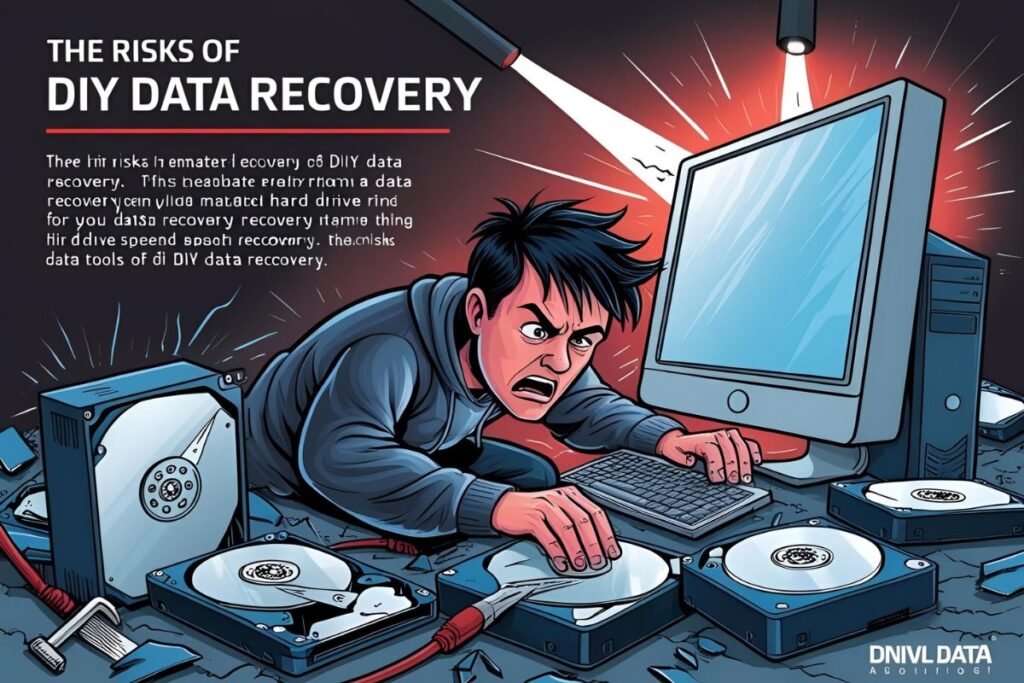
Data loss is a nightmare—whether it’s critical business documents, cherished family photos, or essential project files. When disaster strikes, many users turn to DIY data recovery tools, thinking they’ll save money and time. Unfortunately, that decision often results in deeper problems, greater financial loss, and even permanent data destruction.
The truth is, while DIY data recovery might look appealing on the surface, the hidden costs can far outweigh the price of professional help. In this article, we’ll uncover those hidden pitfalls—and how to avoid them.
The Real Risks Behind DIY Data Recovery
1. Permanent Data Loss
DIY recovery software often operates by scanning and attempting to rebuild lost files. But if the drive is physically damaged—or if you mistakenly write to it—this can cause irreversible harm.
- Every attempt to access or write data can overwrite your lost files.
- Opening a drive outside of a cleanroom environment can expose it to dust, static electricity, or mechanical misalignment.
- In many cases, users try multiple free tools, each of which further compromises data integrity.
Expert Insight:
“It’s like trying to perform surgery with kitchen scissors. The more you try to fix it yourself, the worse the injury becomes. By the time we see the drive, the damage is often compounded.”
— Michael Sanders, Data Recovery Engineer, CleanLab Technologies
2. Further Hardware Damage
What most people don’t realize is that not all data loss is software-related. If your hard drive is making clicking, grinding, or beeping noises, the issue is likely mechanical.
Using software to access a physically failing drive:
- Increases heat buildup
- Can cause the read/write heads to scrape the platters
- May result in complete failure, making data recovery much harder or impossible
3. Malware and Security Threats
A large number of free or pirated data recovery tools are riddled with malware, spyware, or adware. When you install them, you’re often unknowingly giving them access to your personal or business information.
- Keyloggers can steal login credentials and financial data.
- Spyware can monitor your activity long after the recovery is attempted.
- Some tools intentionally limit recoverable files to upsell expensive upgrades—while harvesting your data in the background.
4. Lost Time and Productivity
DIY attempts can take hours or days, especially for users unfamiliar with the technical aspects of file systems or recovery procedures. Meanwhile, the actual recovery chances may drop the longer the issue persists.
Consider the cost of:
- Downtime from business operations
- Missed deadlines
- Time spent researching tools, reading forums, and running ineffective software
Did You Know?
In a study by DriveSavers Data Recovery, nearly 60% of failed DIY recovery attempts resulted in worsened damage, with many becoming unrecoverable.
5. False Sense of Security
Some tools may show files as “recoverable,” even though the files are partially corrupted or completely unusable. Users may believe their data is safe, only to discover too late that critical portions are missing or unreadable.
How to Avoid the Hidden Costs
If your data is valuable, your best bet is a professional diagnosis—before trying to fix it yourself. Here’s how to protect your data and avoid these costly mistakes.
Stop Using the Device Immediately
The most important step after data loss is to power down the device. Continued use can overwrite lost data and cause deeper hardware issues.
Avoid Writing or Installing Software on the Affected Drive
If you must try DIY recovery, always use a different computer and drive. Never install recovery tools on the same device where your data was lost.
Recognize Warning Signs of Physical Damage
If your drive is:
- Clicking, grinding, or beeping
- Not showing up at all
- Showing incorrect capacity or strange errors
… do not use software tools. Seek expert help right away.
Choose Reputable Recovery Services
A certified data recovery lab offers cleanroom environments, specialized hardware, and experienced engineers. Most offer a no-cost diagnostic and only charge if recovery is successful.
Pro Tip:
Ask for a written evaluation and a list of files that can be recovered before agreeing to pay. Legitimate recovery services are transparent and upfront about their process.
Final Thoughts
DIY data recovery can seem like a fast, free solution—but hidden costs like irreversible data loss, hardware damage, security threats, and wasted time make it a risky gamble. For anything beyond a simple file deletion, professional recovery is the safest path.
“What may seem like saving a few hundred dollars can easily result in thousands in lost productivity or permanently lost data. Don’t take chances with irreplaceable information.”
— Elena Martinez, Certified Recovery Specialist, SecureVault Recovery Labs
If your data matters, invest in expert help from the start. In the end, it’s not just about getting your files back—it’s about making sure they come back safely, securely, and fully intact.