Comparing SSD vs HDD Failures: What It Means for Your Data Recovery Strategy
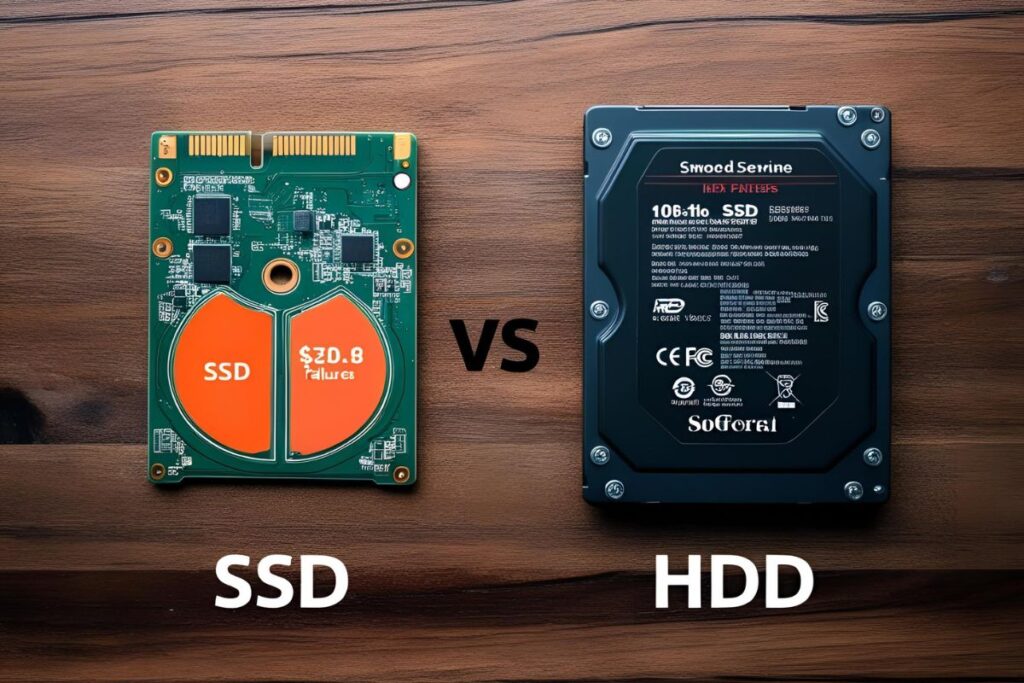
As data storage technologies have evolved, the shift from traditional Hard Disk Drives (HDDs) to Solid State Drives (SSDs) has introduced not only performance gains but also new challenges in the realm of data recovery. While both types of drives serve the same purpose—storing digital information—their internal architectures, failure modes, and recovery possibilities are fundamentally different.
Understanding these differences is critical for developing a reliable data recovery strategy, whether you’re an individual, a small business, or an enterprise-level IT department. In this article, we’ll break down the unique failure types of SSDs and HDDs, how they impact your chances of recovering lost data, and what you can do to minimize risk.
HDD vs SSD: A Quick Technical Overview
Before diving into failure types, let’s briefly outline how HDDs and SSDs function:
HDD (Hard Disk Drive):
- Uses spinning magnetic platters and a mechanical arm to read/write data.
- Slower read/write speeds due to physical movement.
- Vulnerable to physical shock and wear over time.
- Technology has been around for decades and is widely understood.
SSD (Solid State Drive):
- Uses NAND flash memory with no moving parts.
- Faster access and transfer speeds.
- More resistant to physical shock, but prone to electronic failures.
- Uses a controller chip and firmware that play major roles in data access.
How HDDs Typically Fail
Common HDD Failure Modes:
- Mechanical Failure:
Moving parts wear out or become misaligned over time (e.g., head crash, motor failure). - Electrical Failure:
Power surges, failed circuit boards, or damaged controllers. - Bad Sectors:
Portions of the magnetic disk become unreadable due to degradation. - Firmware Corruption:
The low-level software that manages drive behavior becomes corrupted. - Logical Failures:
The file system becomes damaged due to accidental deletion, formatting, or software error.
Recovery Possibilities:
- HDDs are generally more recoverable after failure because:
- Data is often still physically present on the platters.
- Specialized labs can repair mechanical parts to retrieve data.
- Sector-by-sector imaging is possible even with logical corruption.
How SSDs Typically Fail
Common SSD Failure Modes:
- Electronic Component Failure:
NAND flash chips or controllers fail due to voltage spikes or age. - Firmware Issues:
Malfunctioning or outdated firmware can render SSDs inaccessible. - Data Corruption from TRIM Commands:
When files are deleted, SSDs may erase the data block immediately, making recovery impossible. - Wear-Leveling and Write Limits:
Each cell in flash memory has a limited number of write cycles. Overuse can lead to failure. - Sudden Power Loss:
SSDs are sensitive to power outages and can experience total data loss if a write is interrupted.
Recovery Possibilities:
- Recovery is more complex and often less successful:
- Data often becomes unrecoverable due to the nature of flash memory.
- Proprietary controllers and encryption can make access difficult.
- Many SSDs do not allow low-level imaging due to wear-leveling algorithms.
“Unlike HDDs, when an SSD fails, it often fails completely — and instantly. There’s no grinding sound, no slow degradation. It’s working one moment and bricked the next.”
— Ben Turner, Certified Data Recovery Engineer, StorageRevive Labs
Comparative Breakdown: SSD vs HDD Failures
| Feature/Issue | HDD | SSD |
|---|---|---|
| Moving Parts | Yes | No |
| Common Failure Mode | Mechanical (e.g., head crash) | Electrical/controller/firmware |
| Warning Signs | Clicking, slow boot, file errors | Often no warning; instant failure |
| File Recovery Possibility | High (if not overwritten) | Moderate to low (depends on TRIM) |
| Damage from Power Loss | Low to moderate | High risk of corruption |
| Lifespan Based on Usage | Wear on mechanical components | Write cycle limits on memory cells |
| Recovery Complexity | Moderate (physical tools exist) | High (controller-specific methods) |
What This Means for Your Data Recovery Strategy
The nature of the drive you’re using should significantly influence your backup and disaster recovery strategy. Here’s how to tailor your approach:
If You Use HDDs:
- Watch for signs of degradation: Strange noises or slow access times often precede failure.
- Back up regularly: Use automated software to reduce dependency on human intervention.
- Avoid physical trauma: HDDs are vulnerable to drops and bumps, especially when in use.
If You Use SSDs:
- Power protection is critical: Use an uninterruptible power supply (UPS) to prevent data corruption from sudden power loss.
- Monitor health with SMART tools: Most SSDs have built-in reporting on cell wear and remaining lifespan.
- Never assume deleted files are recoverable: Always maintain backups. TRIM commands can permanently erase data blocks.
- Use enterprise-grade SSDs for critical systems: These often include features like power-loss protection and better controller stability.
For Both:
- Implement the 3-2-1 Backup Strategy:
- 3 copies of your data
- 2 different storage types (e.g., SSD and external HDD)
- 1 copy stored off-site or in the cloud
- Test your backups periodically. A backup that hasn’t been verified is not a reliable backup.
- Engage professional recovery services at the first sign of failure. Avoid running risky recovery software that may further damage data integrity.
SSD and HDD in Mixed Environments
Many organizations and power users deploy a hybrid environment where:
- SSDs handle operating systems and fast access applications
- HDDs are used for bulk storage and long-term backups
This combination provides both speed and reliability, but also demands a mixed data recovery plan:
- Have imaging tools compatible with both SSDs and HDDs
- Know which drives contain mission-critical data
- Maintain updated inventories of device models and firmware versions to speed up professional recovery if needed
Conclusion
Choosing between SSDs and HDDs is no longer just about speed and cost. It’s also about understanding how failure modes impact your ability to recover data when things go wrong.
SSDs are fast and durable but can fail without warning and are harder to recover. HDDs are more forgiving in terms of data salvageability but are physically fragile and slower. Your data recovery strategy should reflect these realities.
The best defense against data loss is a well-structured, regularly tested backup system — not a false sense of security in your hardware.
If your business or personal data is valuable, it’s worth investing in both prevention and professional-grade recovery options before disaster strikes.