How To Securely Data Recovery Hard Drive Data
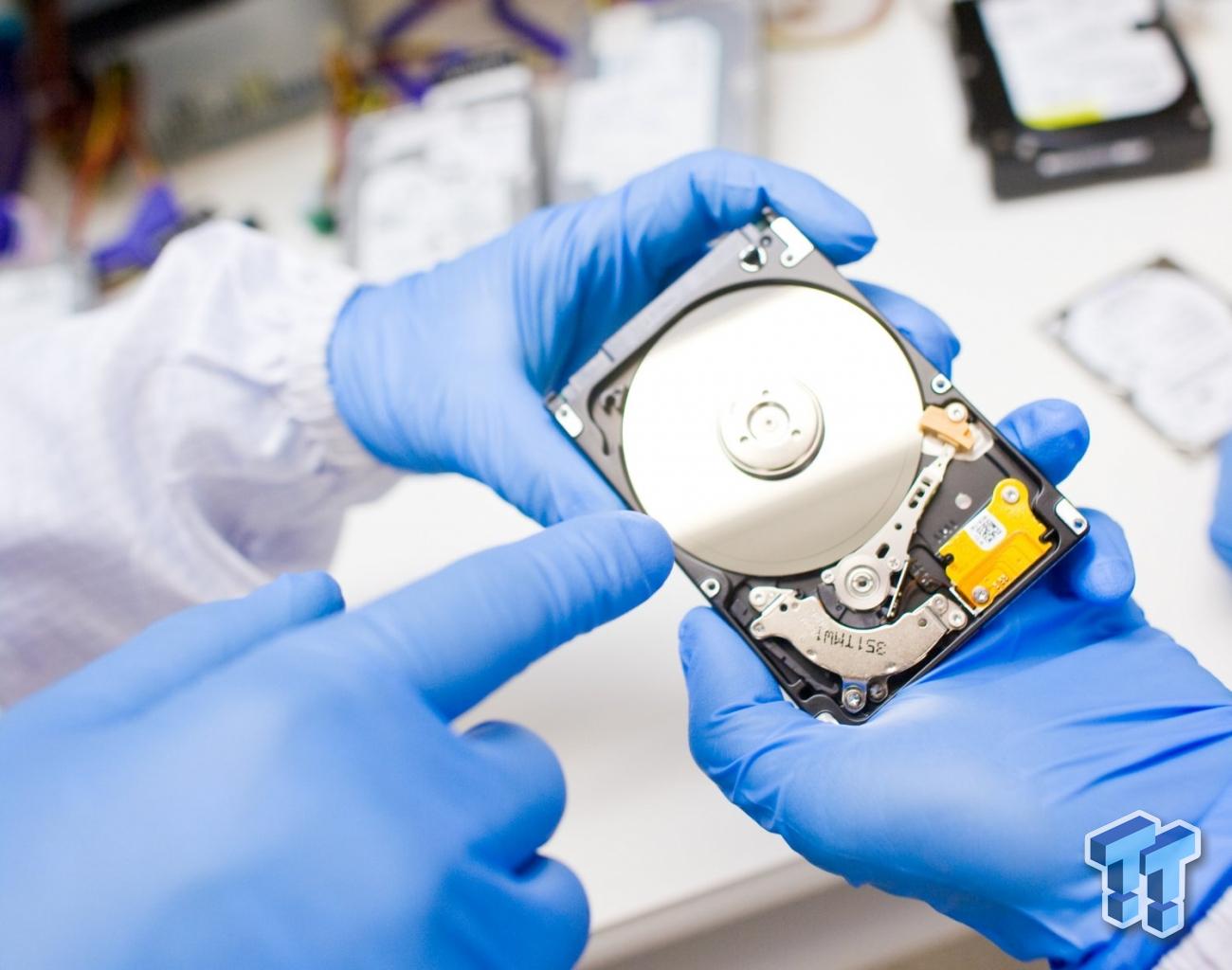
When it comes to data recovery from a hard drive, especially if it involves sensitive information, it’s important to approach the process securely. In the case of recovering data from an old or damaged hard drive, the process must ensure that the recovery process does not expose your data to unnecessary risks. Below is a guide on how to securely recover data from your hard drive.
Why Secure Data Recovery is Crucial
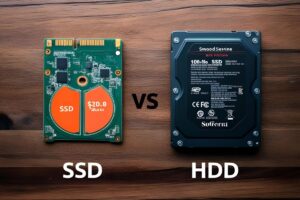
Hard drives, whether traditional HDDs or modern SSDs, often contain sensitive personal, financial, and professional information. Hackers are highly skilled at extracting useful data from old drives, including passwords, emails, and other confidential details. If a hard drive is disposed of or sold without properly erasing its data, the risk of data exposure increases.
Key Risks Include:
Scams and Phishing: A hacker could use your contact list to send phishing emails, leveraging your identity to convince others of legitimacy.
Access to Social Media and Email Accounts: Hackers can use email or social media logins to reset passwords for other accounts.
Identity Theft: Sensitive data can be used for identity theft or impersonation, leading to potential financial or personal harm.
Steps to Secure Data Recovery
Here are the best practices for securely recovering data from a hard drive, ensuring that the recovery process is handled safely:
1. Use Professional Data Recovery Tools
While there are several software tools available for data recovery, using trusted and professional tools ensures that data is recovered in a way that minimizes risks. Here are a few steps to follow when using data recovery software:
- Use Reputable Recovery Software: Tools such as Recuva, EaseUS Data Recovery, or R-Studio offer secure and effective data recovery options. These tools can recover data from damaged or formatted drives.
- Verify Encryption: Ensure that the data recovery software supports encryption, particularly if your data includes sensitive information. This helps maintain privacy and security during the recovery process.
2. Ensure Drive is Isolated During Recovery
If you are recovering data from a hard drive that has been in use, there’s a chance that residual data might be left in sectors that have not yet been overwritten. To prevent any chance of data leakage:
- Physically Disconnect Other Drives: If you’re recovering data from one drive, disconnect all other storage devices to avoid potential data overwrite.
- Use a Write Blocker: If you’re dealing with a compromised or damaged drive, using a write blocker can prevent any changes or overwriting of the drive’s data during the recovery process.
3. Proper Handling of the Data Recovery Drive
Once you have recovered the data from the damaged hard drive, handle the recovered data with caution:
- Backup First: Before proceeding to work with recovered data, back it up in multiple locations to ensure its safety.
- Use Encryption: Encrypt any sensitive data recovered to prevent unauthorized access. Tools like VeraCrypt can help encrypt files before transferring them to new drives.
4. Securely Erase the Data After Recovery
Once the recovery process is complete, it is critical to securely erase any data from the original hard drive to prevent future access. If you intend to reuse the drive, here’s how to securely erase it:
- Use Disk Wiping Tools: Tools like Blancco and DBAN (Darik’s Boot and Nuke) are certified for securely erasing data. They overwrite the drive’s sectors multiple times, making it almost impossible to recover the original data.
- Factory Reset for SSDs: For SSDs, the typical erase or format process is insufficient, as it may leave data behind in remapped sectors. Specialized software designed for SSDs is necessary to perform a secure erasure.
5. Consider Professional Data Recovery Services
If the data on your drive is extremely sensitive or the drive is physically damaged, it may be best to seek out a professional data recovery service. These services have cleanroom environments and specialized equipment to safely recover data from hard drives without risking exposure.
6. Use a Secure Backup Solution
Going forward, consider a secure backup strategy to prevent future data loss and ensure data security:
- Cloud Storage: Choose a cloud service with strong encryption and data protection policies.
- External Hard Drives: Regularly back up data to an encrypted external hard drive that is kept in a safe place.
Conclusion
Data recovery from a hard drive can be a sensitive process, especially when dealing with personal, financial, or business-critical information. By following secure practices such as using reputable recovery tools, isolating the drive during recovery, encrypting recovered data, and securely erasing data afterward, you can ensure that your data is both safely recovered and protected.