Tips To Data Recovery From Damaged Memory Card
Memory cards are an essential part of modern life, storing everything from precious photos to important documents. However, just like any other electronic device, memory cards can get damaged. This can lead to the unfortunate loss of data that might include irreplaceable memories, vital work documents, or other important files. If you ever find yourself in this situation, don’t panic. There are methods available to help recover your data.
In this article, we’ll explore how memory cards can get damaged, the common causes of data loss, and the steps you can take to recover your valuable files.
Causes of Memory Card Damage
Memory cards can be damaged for various reasons. Understanding these causes is the first step in preventing damage and recovering your lost data. Some common causes include:
1. Software Problems
Corrupt files, virus infections, or errors during the data transfer process can lead to issues with your memory card. Sometimes, improperly removing the memory card from your device can cause data corruption, making it unreadable.
2. High Temperatures
Exposing memory cards to extreme heat can lead to physical damage. Whether it’s left in a hot car or near a heat source, high temperatures can affect the integrity of the card’s components and make it harder to access the data stored on it.
3. Physical Damage
Memory cards are often small and fragile, and dropping them or applying pressure can cause physical damage. Cracks or broken components may render the card unreadable, even if the data is still intact.
4. Corrupted Partition Table
The partition table of the memory card is crucial for keeping the data properly organized. If this table becomes corrupted, it can prevent access to the data, making the files on the memory card inaccessible.

How to Recover Data from a Damaged Memory Card
If you’ve encountered any of the issues above and need to recover your data, don’t worry – recovery is often possible. Here are some methods to help you restore your files from a damaged memory card:
1. Use Data Recovery Software
One of the most effective ways to recover data from a damaged memory card is by using data recovery software. These programs are designed to scan damaged or corrupted storage devices and retrieve lost files. Popular data recovery tools include:
- Recuva – A user-friendly option for recovering lost photos, videos, and documents from a damaged memory card.
- EaseUS Data Recovery Wizard – A comprehensive tool that can recover files from memory cards, hard drives, and other storage devices.
- Disk Drill – A powerful recovery tool that can handle various types of file loss, including formatted or corrupted memory cards.
These recovery tools work by scanning the memory card for any retrievable data. Depending on the level of damage, they may be able to recover deleted files, files lost due to corruption, or files from a corrupted partition table.
2. Try Connecting the Card to a Different Device
Sometimes, the issue may not be with the memory card itself but with the device you’re using to access it. If the memory card isn’t recognized by one device, try connecting it to another computer or card reader. This can help determine if the problem lies with the card or the original device.
3. Check for Physical Damage
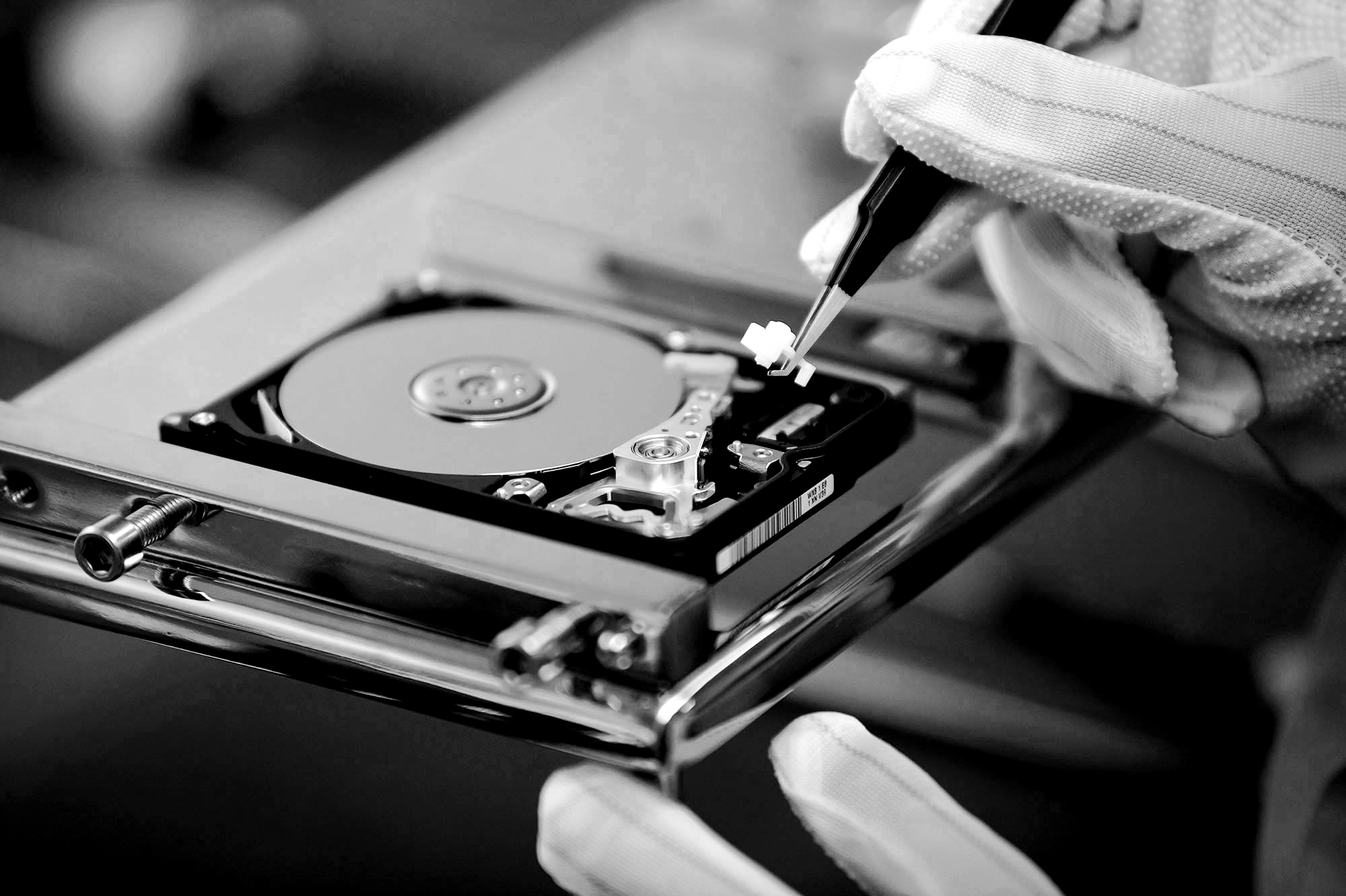
If your memory card has been physically damaged, it may still be possible to recover the data. However, it’s important to handle the card carefully to avoid causing further damage. If you suspect physical damage, consider seeking professional help from a data recovery service that specializes in memory card recovery.
4. Fix the Partition Table
If the partition table is corrupted, data recovery software may be able to repair it. Tools like TestDisk are capable of repairing the partition table and recovering access to the files stored on the memory card. However, this process can be complex, so it may be best to use a professional service if you’re unsure about how to proceed.
5. Contact a Professional Data Recovery Service
If you’ve tried software tools and other methods without success, or if your memory card has sustained severe physical damage, it’s time to seek professional help. Data recovery specialists have the expertise and equipment to retrieve data from damaged memory cards, even in challenging situations. While these services can be costly, they often provide the best chance of recovering critical files.
Preventing Future Data Loss
While data recovery is possible, it’s always better to prevent data loss in the first place. Here are a few tips to help safeguard your data in the future:
- Regularly back up your data – Always back up your important files to a secondary device or cloud storage. This way, even if your memory card fails, you won’t lose everything.
- Handle memory cards with care – Avoid exposing memory cards to extreme temperatures or physical damage. Keep them in a safe, dry place and handle them gently.
- Eject properly – Always safely eject your memory card from devices before removing it. This helps prevent data corruption and ensures the card is not in use during removal.
Conclusion
While memory card damage can be frustrating, there are solutions available to recover your lost data. Whether you choose to use data recovery software, attempt to fix a corrupted partition table, or seek professional assistance, it’s often possible to retrieve important files even from a damaged memory card. By following these steps and taking preventative measures, you can safeguard your data and avoid future headaches.